Checklist: how to prepare an online store for an advertising launch
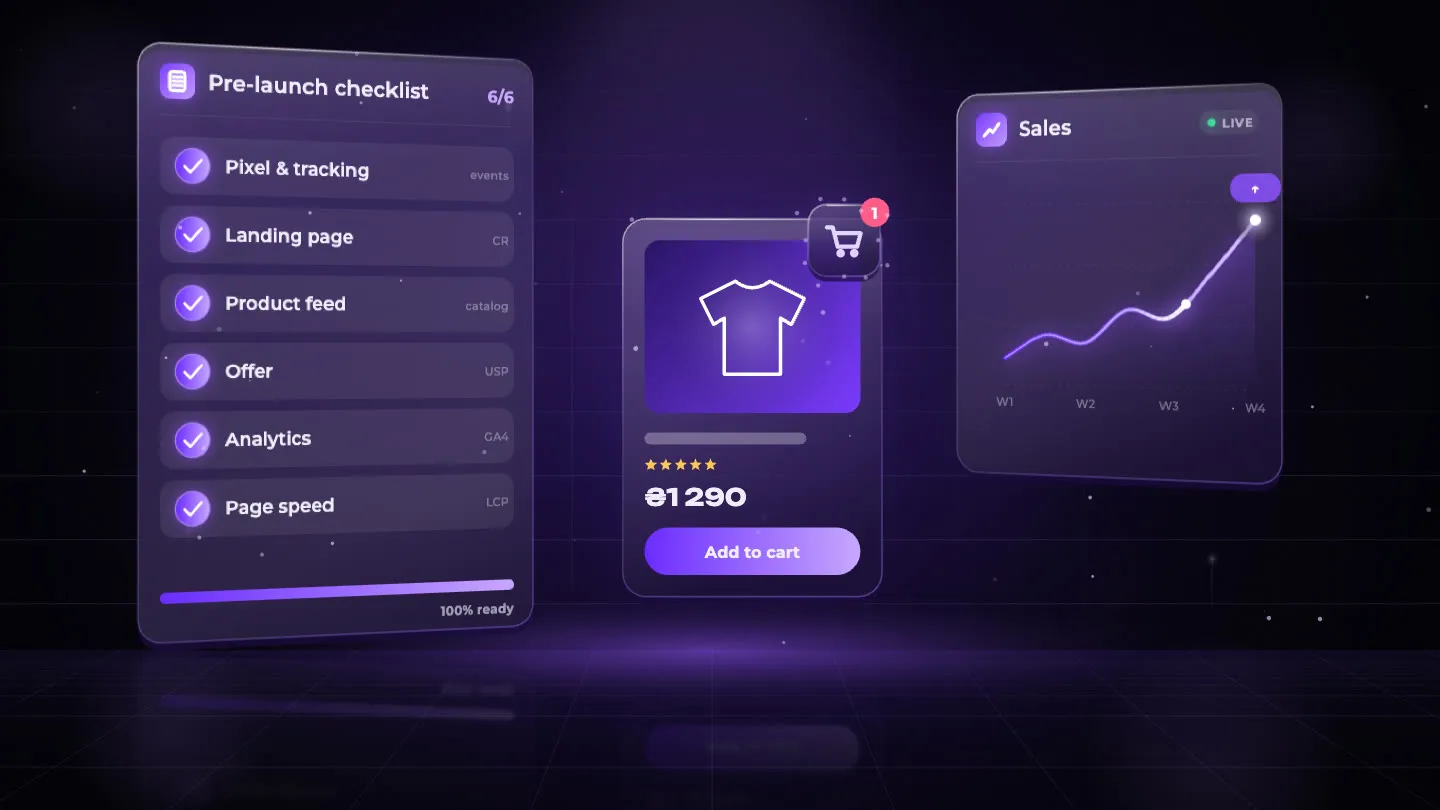
«The advertising isn’t working» is one of the most common opening messages from store owners who come to us after trying it themselves or after a disappointing run with a previous agency. And in more than half of those cases it turns out the advertising was in fact working — traffic was arriving, people were clicking. The store simply was not converting.
A broken pixel, a page that takes 8 seconds to load on mobile, no reviews, unclear delivery terms, a price above competitors with no reason to buy here specifically — all of that kills conversion before the algorithm has had a chance to learn anything.
That is why at VELAR we never launch advertising without a pre-launch audit. Below are five blocks of checks and a full 20-point checklist that we close out before the first euro of budget. Not after.
The technical foundation: pixel, tracking and page speed
This is the most critical block. Without it, everything else is shooting blind.
Meta Pixel and the Conversions API. The pixel is not simply «paste the code onto the site». It has to track specific events correctly: ViewContent (product view), AddToCart, InitiateCheckout and Purchase. If any of these events is not tracked, or is tracked with duplication, the algorithm learns from false data. Train it on phantom conversions and it will show your ads to people who buy nothing.
The Conversions API (CAPI) is essential for stores doing more than 20 orders a month. CAPI sends data directly from the server, bypassing ad blockers and iOS 14+ restrictions. Without it you lose between 20 and 40% of trackable conversions depending on the audience.
Checks via Meta Pixel Helper and Events Manager:
- The pixel is active and loads on every key page
- No event is duplicated in Events Manager
Purchasetracks the actual order value (not a constant «1»)- The event has been verified with a test order through Test Events
Google Analytics 4 and Enhanced Ecommerce. If you plan to use Google Ads, GA4 with Enhanced Ecommerce connected is not optional — it is the minimum. Without it, Google Ads will optimise for micro-conversions (clicks, views) rather than actual purchases.
Page speed — LCP under 3 seconds on mobile. Google PageSpeed and Core Web Vitals are not a marketing whim. If your main product page takes 7 seconds to load on mobile, you automatically lose a significant share of potential buyers before they have even seen the product. To check: PageSpeed Insights → mobile → the LCP figure.
The most common causes of a slow site: uncompressed images (JPEGs over 200 KB instead of 30–60 KB WebP), heavy third-party scripts (chats, pop-ups, analytics without deferred loading), and no CDN.
The technical check — the mandatory minimum:
| Item | Where to check |
|---|---|
| Pixel active and error-free | Meta → Events Manager |
| All 4 key events tracked | Meta → Test Events |
| GA4 connected, goals configured | GA4 → Admin → Events |
| HTTPS / SSL across the whole site | browser → padlock in the URL |
| Mobile LCP < 3 sec | PageSpeed Insights |
| No mass 404s | Google Search Console |
What the customer sees after the click: the landing page
Advertising pays for the click. The landing page closes the sale. These are two different jobs, and confusing them is the most expensive mistake in performance advertising.
The first screen without scrolling (above the fold). On mobile that is literally the first 400–500 pixels. What has to be there:
- A headline that matches the promise in the ad. If the ad says «Nike trainers 30% off», the page has to show Nike trainers at 30% off, not a general «Footwear» catalogue.
- Product photos — at least 3–4 quality images, visible immediately.
- A «Buy» or «Add to cart» button — large, high-contrast, no scrolling required.
- The price — with no hidden step into the cart just to «find out the price».
Social proof and trust. For a cold audience (and in advertising it is always cold), a page without reviews is a page with a wall of doubt. At minimum, 15–20 genuine reviews with ratings directly on the product page, not a link saying «go to Google Maps». Better still: user-generated content — real photos from customers with the product.
Delivery and returns terms — without clicks. The customer should not have to go hunting for «Delivery and payment» in the site footer. The key information belongs on the product page itself:
- Delivery times (and bear in mind that «up to 7 working days» is too long for most products if a competitor delivers in 2)
- Delivery cost or the free-delivery threshold
- Returns terms in a single sentence
Photo quality — an underrated lever. This is especially critical for Meta Ads, where your product competes with thousands of others in the feed. Product on a white background is the minimum. Lifestyle photos (the product in real use) are essential for fashion, beauty and homeware. If your photos were taken on a phone in bad lighting, that is not an advertising problem, it is a product problem.
Product catalogue and feeds for Meta Catalog and Google Shopping
For e-commerce stores planning Meta Advantage+ Catalog or Google Shopping, the catalogue is a separate artefact that has to be prepared deliberately.
Product names built around search intent. «Dress art. 4482-B» in a Google Shopping feed means nobody will ever find your product. The correct name: «Women’s blue cotton dress, sizes S–XL». People search with descriptive queries — your feed has to answer them.
Stock accuracy. One of the biggest ROAS killers in Shopping campaigns is advertising that sends traffic to out-of-stock products. If you do not have automatic stock synchronisation between your warehouse and your site, it has to be solved before launch. Google Shopping penalises discrepancies between «in stock» in the feed and «out of stock» on the page.
URL structure and canonicalisation. Pages like /product?id=8821&color=blue&size=42 are a technical problem both for SEO and for passing attribution in advertising. Ideally: /dresses/cotton-dress-blue, or at least /products/dress-blue-s-xl.
Offer competitiveness: is there a reason to buy from you?
This is the block agencies rarely discuss honestly. We will.
Even technically flawless advertising with impeccable creatives will not sell a product if there is no answer to the customer’s question: «Why here and not there?»
Checking the offer — 4 questions:
-
Price. Open Google Shopping and type in the name of your product. If your price is higher than 80% of competitors, either there is a weighty, visible reason (brand, quality, exclusivity) or your advertising is going to be expensive.
-
Delivery terms. «Delivery in 3–5 days» is no longer a competitive advantage — it is the standard. If you offer next-day delivery or same-day dispatch, put it in the ad and on the page.
-
The immediate impulse. Is there an incentive to buy now rather than «look again later»? A first-order discount, a bonus, limited stock — this is not manipulation, it is part of the funnel. With no incentive at all, a large share of traffic gets warmed up and goes and buys elsewhere.
-
Guarantee and returns. Especially for new customers: a clear «30 days, returns with no questions asked» removes the wall of doubt. If it is absent or not visible, conversion from a cold audience will be lower.
Analytics: seeing whether advertising pays for itself
Without proper analytics you cannot manage advertising — you can only watch it.
What has to be configured before the start:
- GA4 Enhanced Ecommerce — tracks every step of the funnel: product view → add to cart → checkout → purchase. Without it you do not know where exactly your buyer drops off.
- UTM tags on every ad link. Basic hygiene, without which GA4 cannot distinguish «came from Meta Ads» from «came from search».
- Target ROAS calculated. Before launch you should know your margin, the minimum ROAS at which advertising is profitable (break-even), and the target for month one. We cover this in detail in the article on ROAS and how to calculate it.
- The conversion goal passed into the ad account. Google Ads and Meta have to optimise for actual purchases, not clicks or views.
The full checklist: 20 items before launching advertising
| # | Item | Block | Critical? |
|---|---|---|---|
| 1 | Meta Pixel installed and active | Technical | ✓ |
| 2 | All 4 events tracked (View, Cart, Checkout, Purchase) | Technical | ✓ |
| 3 | No duplicate events in Events Manager | Technical | ✓ |
| 4 | Conversions API (CAPI) connected | Technical | — |
| 5 | GA4 installed, Enhanced Ecommerce enabled | Analytics | ✓ |
| 6 | HTTPS / SSL on every page | Technical | ✓ |
| 7 | Mobile LCP < 3 seconds | Technical | ✓ |
| 8 | No mass 404s in Search Console | Technical | — |
| 9 | Page headline matches the promise in the ad | Landing page | ✓ |
| 10 | Quality photos (6+ angles plus lifestyle) | Landing page | ✓ |
| 11 | CTA button visible without scrolling (mobile) | Landing page | ✓ |
| 12 | At least 15 reviews with ratings on the product page | Landing page | ✓ |
| 13 | Delivery and returns terms visible on the page itself | Landing page | — |
| 14 | Product names in the feed are descriptive (not codes) | Catalogue | ✓ |
| 15 | Stock synchronised in real time | Catalogue | ✓ |
| 16 | Price checked against competitors in Google Shopping | Offer | ✓ |
| 17 | There is an incentive for a first order | Offer | — |
| 18 | UTM tags configured for every ad link | Analytics | ✓ |
| 19 | Target ROAS calculated and agreed | Analytics | ✓ |
| 20 | Ad account optimising for «Purchases», not clicks | Analytics | ✓ |
✓ = critical, launch is not recommended without it. — = important, but can run in parallel
VELAR’s position: when we say a store is ready
We have a rule that is occasionally inconvenient for clients but always good for their budget: we do not launch advertising if the store fails more than two critical items on the checklist.
Not because we want to delay the start, but because launching advertising on an unprepared store means spending the budget to train the algorithm on false data. After that you have to spend again, this time on correct data. It works out twice as expensive.
When we launched Exolook — a women’s activewear brand — completely from scratch, the technical side of the site became critical immediately: the ad accounts were recording duplicate purchases and add-to-carts, and data was being passed to Meta and Google incorrectly. Launching «as is» would have meant training the algorithm on distorted conversions and burning budget on false data. Together with the client we reworked the technical side of the site and established clean, correct data transfer — and only then scaled the campaigns.
That is why technical preparation and work on the landing page are part of our service, not «your contractor will redo it after us». Details on what work on an advertising-ready site includes are in the relevant service section.
The honest answer to «when can we launch?»:
When all 13 critical items are complete and the store can handle the first flow of orders without technical failures. If there is doubt about even one item, it is better to check than to «launch and see».
If you want to work through this checklist with us and understand exactly what needs fixing before the start, book a free audit. We will check tracking, the offer and the landing pages — and tell you plainly where you are ready, where you are not, and how long it will take.
And if you are still deciding how much to set aside for advertising and what budget to start with, read «How much targeted advertising costs»: broken down by component, no abstractions.
Frequently asked questions
How long does it take to prepare a store for advertising?
It depends on the state of the site. Technical setup of the pixel and tracking takes 1–2 days. If there are problems with page speed or catalogue structure, it can take 1–2 weeks. We run a pre-launch audit and tell you straight away what needs fixing and how long it will take.
Can I launch advertising while the site is still in development?
For individual services or to build an email list — yes, via a landing page. For an online store — no. Without a complete catalogue, checkout and tracking, advertising only gathers data; it does not sell. It is worth launching when you can accept and process at least 10–20 orders a day without failures.
What most often blocks an advertising launch?
Three most common reasons for delay: (1) the pixel is installed but events are not tracked correctly; (2) the page takes more than 5 seconds to load on mobile; (3) there are no reviews or social proof, so conversion from a cold audience is critically low. All of these are fixable, but they take time before launch, not after.
Do I need a large budget to launch advertising effectively?
No, but the budget has to be sufficient for the algorithm to learn — that is the key point. A small budget on an unprepared store equals a guaranteed loss. A small budget on a well-prepared store with a clear funnel is a perfectly workable start. The specific amount for your niche is best discussed during an audit.